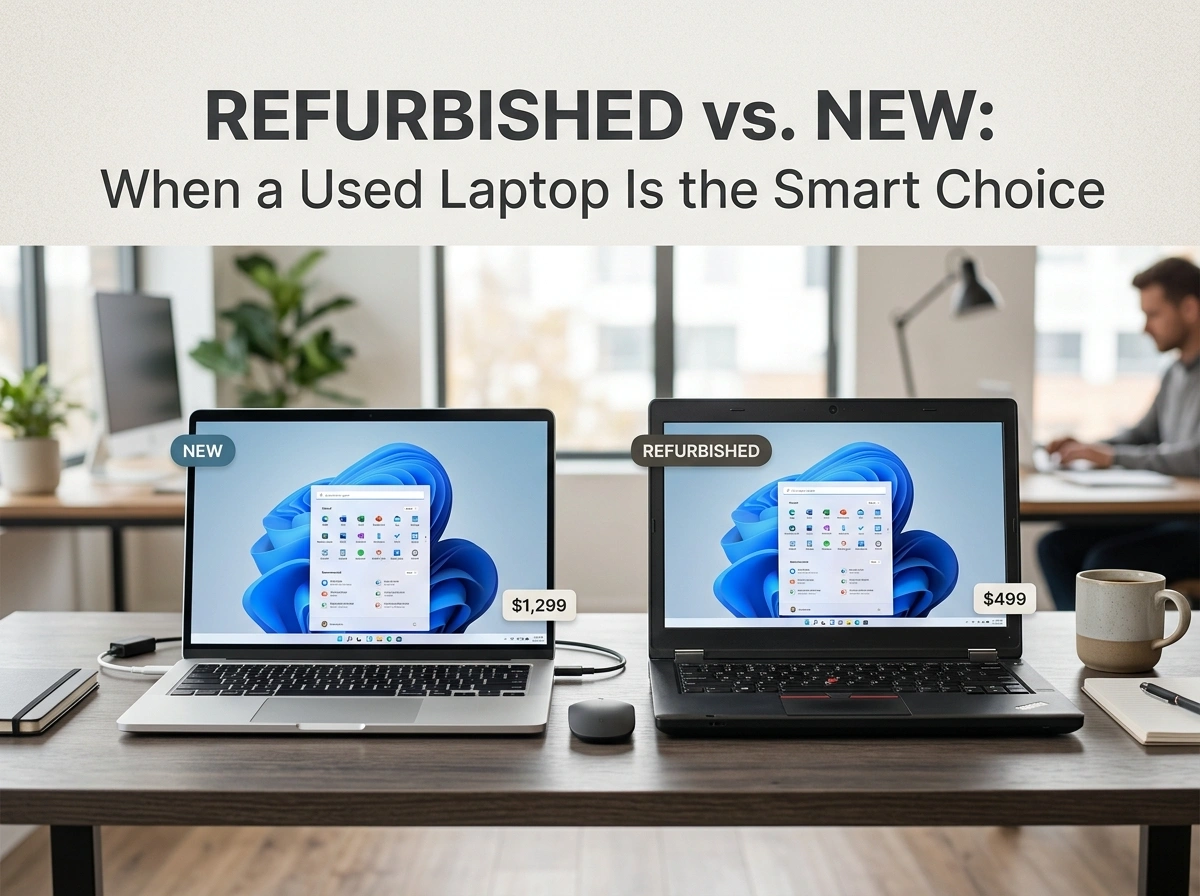
Buying a laptop often feels like a big commitment. You want power, reliability, and a fair price, but the gap between a shiny new model and a well-restored refurbished one can be hundreds of dollars. So which path makes sense for your needs and budget?
This guide breaks down the real differences between refurbished and new laptops. You’ll learn where the savings come from, how quality checks protect you, and the situations where a refurbished machine clearly wins.
Here’s what you’ll walk away with:
- A clear view of the cost and value gap
- How refurbished devices get certified and tested
- The best use cases for choosing used over new
- Practical tips to shop with confidence
What “Refurbished” Actually Means
A refurbished laptop is a previously owned or returned device that has been inspected, repaired, cleaned, and tested before resale. These machines often come from customer returns, trade-ins, or open-box stock. Many were barely used or sent back for minor cosmetic reasons.
A new laptop, by contrast, comes straight from the factory in sealed packaging. It has never been owned, and every component is fresh out of production.
The key difference isn’t always condition. A well-refurbished laptop can look and perform like new. The real distinction is the history of the device and the price you pay for it.
Key Differences Between Refurbished and New Laptops
Before you decide, it helps to see the trade-offs side by side. Each option has clear strengths depending on what matters most to you.
New laptops offer:
- The latest models and newest processors
- Full manufacturer warranties, often one to two years
- Pristine, untouched hardware
- The widest range of customization at purchase
Refurbished laptops offer:
- Significant price reductions, often 20% to 50% lower
- Tested, working hardware backed by a return policy
- Access to premium brands at mid-range prices
- A smaller environmental footprint
The right choice depends on your priorities. If you crave the newest features, new wins. If you want strong performance for less money, refurbished often makes more sense.
Cost Savings and Value for Money
Price is usually the biggest reason people consider refurbished. A laptop that sold for $1,200 new might cost $700 to $900 refurbished, even when it’s only a year old. That gap can fund accessories, software, or a memory upgrade.
Here’s the key: value isn’t just the sticker price. Many premium business laptops are built with sturdier materials and longer-lasting batteries than budget new models in the same price range. So a refurbished high-end machine can outperform a cheaper new one.
In practice, this means you can buy “up” a tier. Instead of a basic new laptop, you might land a professional-grade device with a faster processor, more RAM, and a better screen for the same money. Marketplaces like lapzoo.com make these comparisons easier by listing refurbished options alongside clear specs and pricing.
Quality Assurance and Certification
A common worry is reliability. Will a used laptop break down sooner? The answer depends heavily on how it was refurbished.
Reputable sellers follow a structured process before any device goes back on sale:
- Inspection of the body, screen, hinges, and ports
- Diagnostic testing of the battery, keyboard, and internal components
- Repair or replacement of any faulty parts
- Data wiping to remove all previous owner information
- Cleaning and grading based on cosmetic condition
Many refurbished laptops are sold with condition grades, such as “like new,” “very good,” or “good.” These grades tell you what to expect cosmetically while confirming the device works as intended.
Look for sellers that offer a warranty and a clear return window. That coverage signals confidence in the product and protects your purchase. A certified refurbished laptop with a warranty often carries less risk than a private used sale with no protection at all.
Environmental Benefits
Choosing refurbished isn’t only good for your wallet. It’s also a greener decision.
Manufacturing a new laptop consumes raw materials, water, and energy. It also creates carbon emissions across the supply chain. When you buy refurbished, you extend the life of a device that already exists. That reduces electronic waste and lowers the demand for new production.
Electronic waste is one of the fastest-growing waste streams worldwide. Every refurbished laptop that finds a second home keeps usable technology out of landfills. If sustainability matters to you, this is a simple way to align your spending with your values.
Best Use Cases for Choosing Refurbished
Refurbished laptops shine in many real-world situations. Here are the scenarios where they tend to be the smarter pick.
Students and Budget-Conscious Buyers
School and college work rarely needs cutting-edge hardware. A refurbished laptop handles writing, research, video calls, and streaming with ease, freeing up cash for textbooks and other essentials.
Businesses Buying in Bulk
Companies equipping a team can stretch their budget further with refurbished fleets. Buying ten refurbished laptops instead of ten new ones can save thousands while still delivering reliable performance.
Secondary or Backup Devices
If you need a travel laptop, a kitchen-counter browser, or a backup machine, paying full price for new makes little sense. A refurbished unit fills the role at a fraction of the cost.
Specialized Older Software
Some users rely on programs that run best on slightly older operating systems or hardware. Refurbished models give you access to those configurations that may no longer ship new.
When New Might Be the Better Call
To stay balanced, refurbished isn’t always the answer. New laptops make more sense when you need the absolute latest processor for heavy gaming or video editing, or when you want the longest possible warranty coverage. They also suit buyers who simply prefer the peace of mind of untouched hardware.
The goal is to match the device to your actual needs, not to chase either label for its own sake.
Tips for Buying a Refurbished Laptop Smart
A little caution goes a long way. Use these tips to shop with confidence and avoid common pitfalls.
- Check the warranty. Aim for at least 90 days, and prefer a year when available.
- Read the condition grade. Know whether cosmetic wear is acceptable to you.
- Confirm the return policy. A flexible return window protects you if issues appear.
- Review the specs carefully. Match the processor, RAM, and storage to your tasks.
- Inspect battery health. Ask whether the battery was tested or replaced.
- Buy from trusted sellers. Established marketplaces with reviews reduce your risk.
Following these steps turns a refurbished purchase from a gamble into a calculated, money-saving move.
Conclusion: Make the Smart Choice
Refurbished and new laptops both have their place. New devices deliver the latest features and full warranties, while refurbished machines offer strong performance, real savings, and a smaller environmental footprint.
For students, businesses, and anyone who wants premium hardware without the premium price, refurbished often wins. The key is to buy from a trusted source with clear grading, solid warranties, and honest return policies.
Here are your next steps:
- Decide what tasks your laptop must handle
- Set a budget and compare refurbished options at that price
- Verify warranty, condition grade, and return terms before buying
When you weigh cost, quality, and value together, a well-chosen refurbished laptop is frequently the smartest buy on the table.
